IndoorAtlas pricing can be found from the web site, see this link: https://www.indooratlas.com/pricing
How to subscribe?
To subscribe one of the plans, follow these steps:
1. Login to your IndoorAtlas account, or create a new account here: https://app.indooratlas.com/signup
2. Go to https://app.indooratlas.com/billing/overview
If you had a trial account and it has expired, you'll see the note "Temporary", as on the below image:
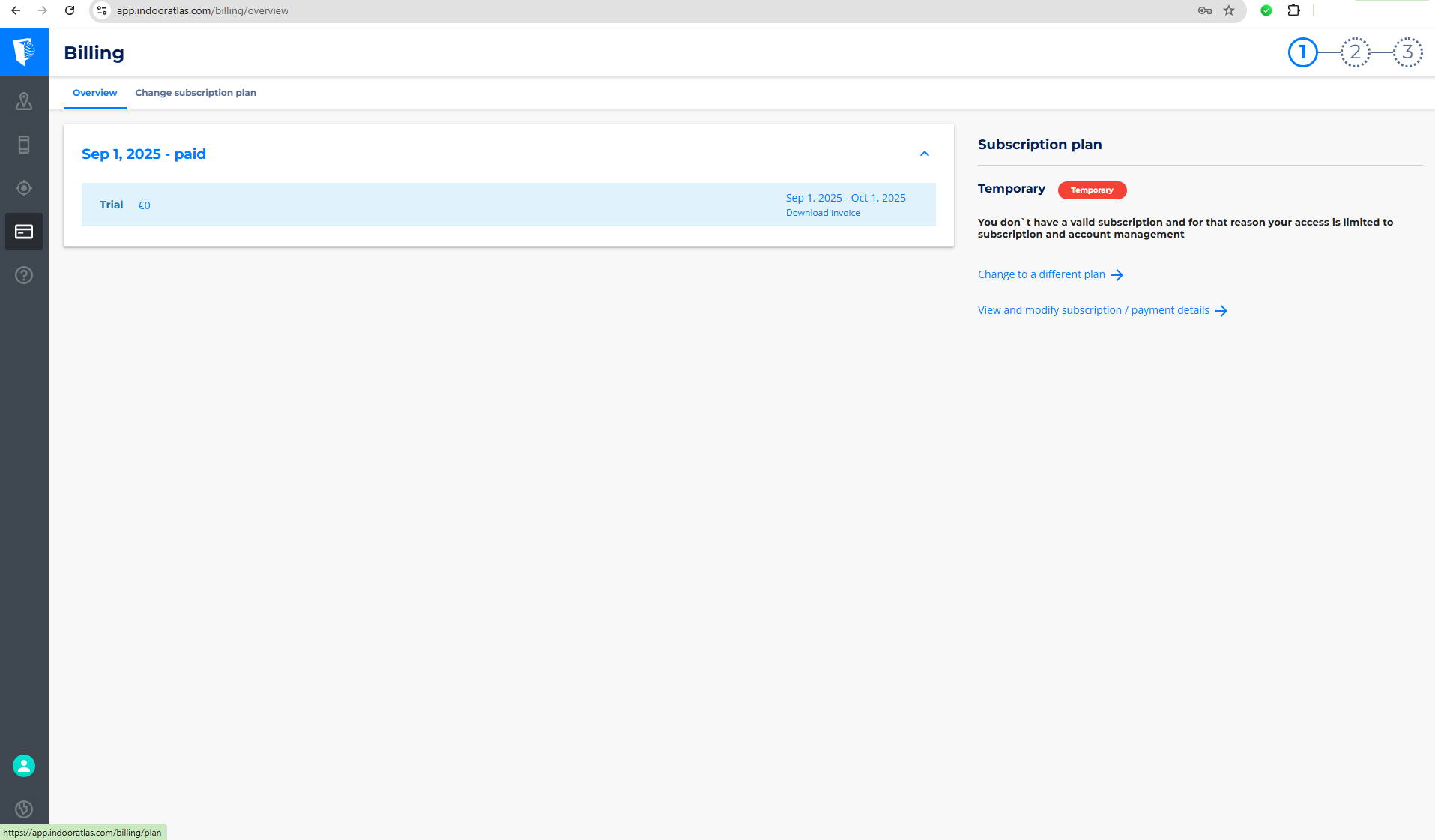
3. Click the "Change to a different plan" link.
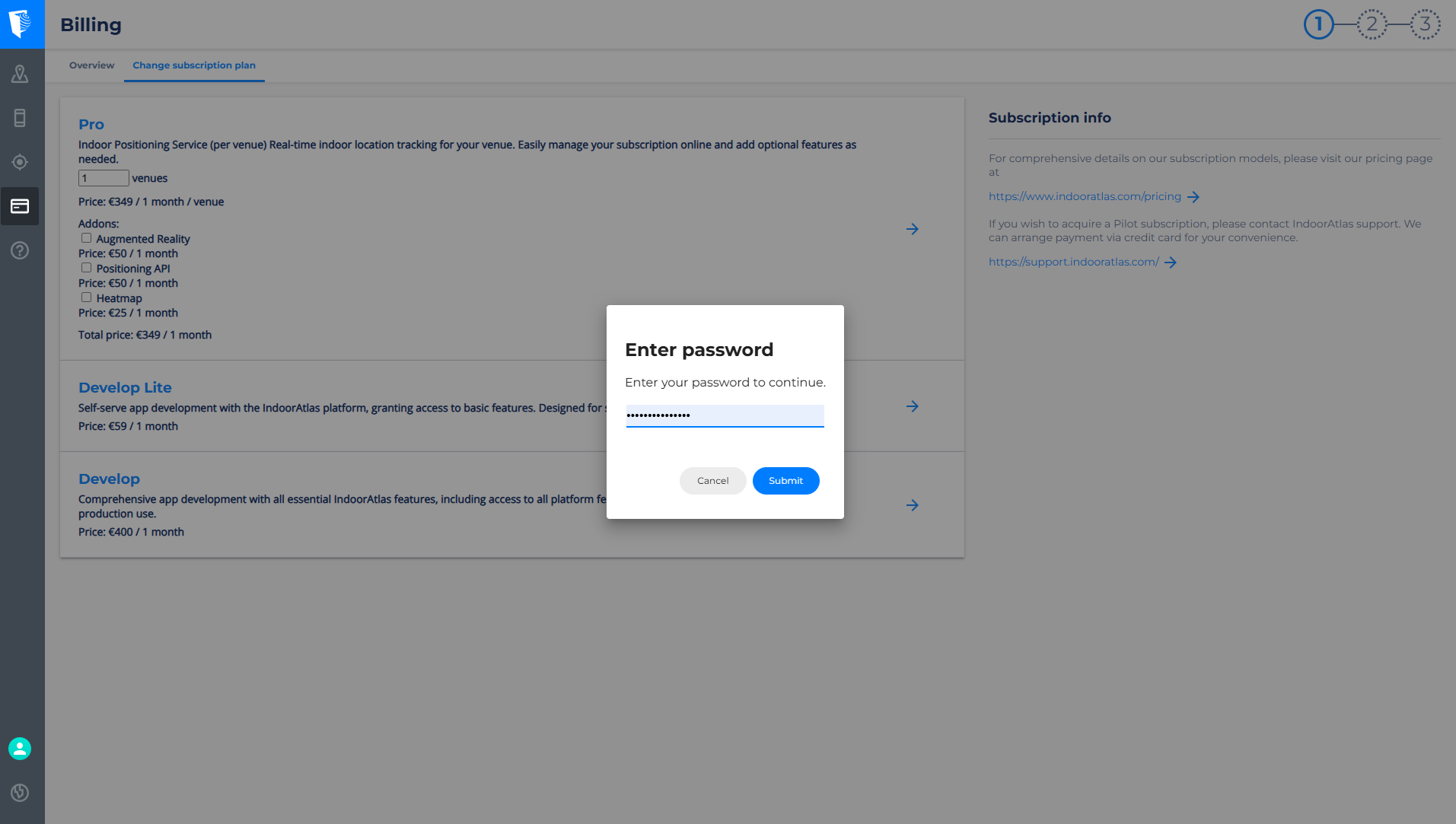
4. Select the plan according to your needs (e.g. "Develop") .
5. Fill in your password to continue.
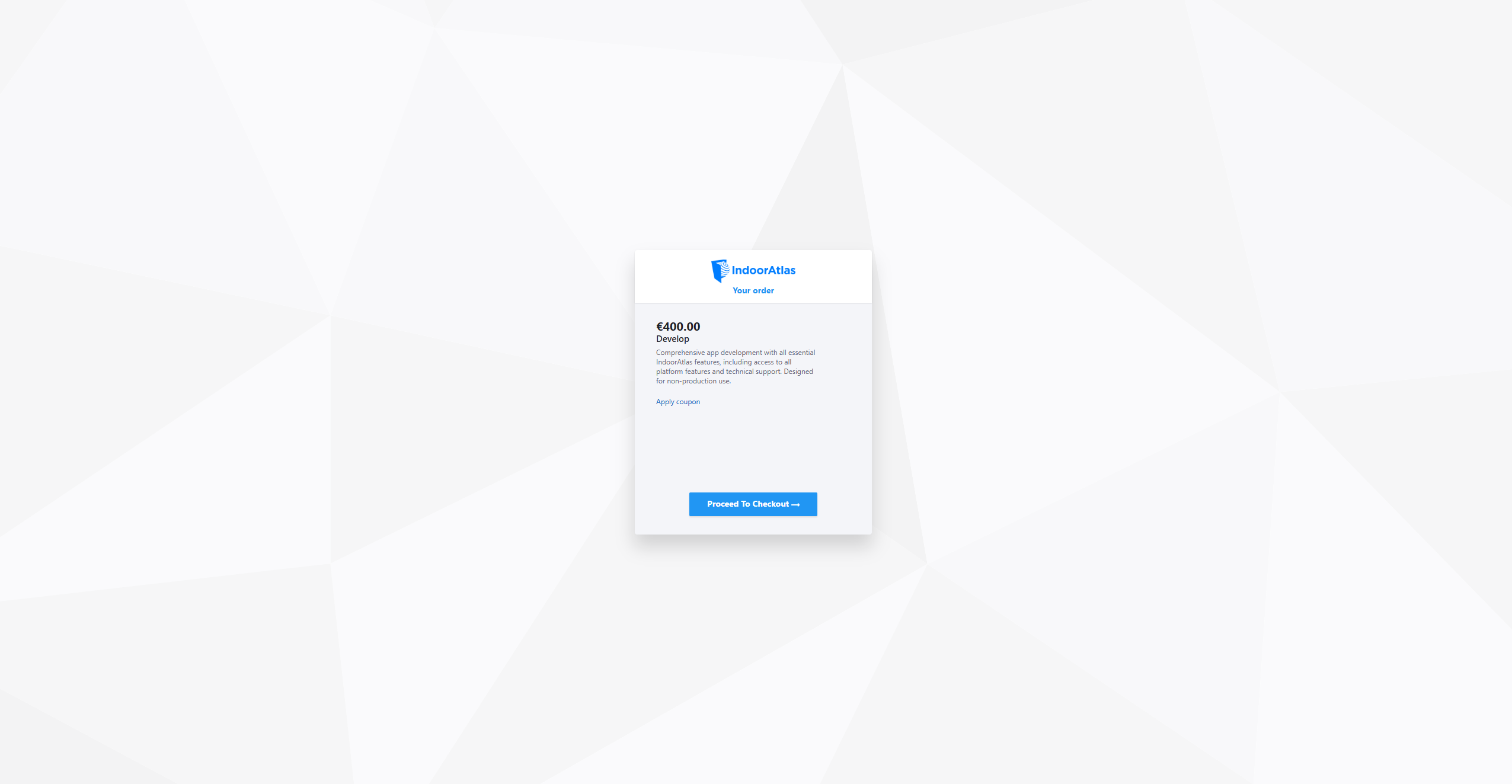
6. Click "Proceed" in the next page and you'll get to the Checkout :